Video & Motion — Case Study
ONO GAMING CONTROLLER
The product film for the ONO gaming controller — thirteen seconds that begin as a pencil sketch and end in a world built from pixels.
FROM SKETCH TO PIXEL WORLD.
ONO is a mini gaming controller with a big personality: a soft-touch disc, clicky convex buttons and a start key, all in a body that slips into a pocket. For its product film, the controller needed a story as playful as the hardware itself.
So the film starts where the product started — as a hand-drawn sketch on a desk. The drawing comes to life, takes physical form, and escapes into a digital world built from pixels, where the camera sweeps in macro over the disc and buttons before the controller lands, spinning, in its own pixel landscape. Thirteen seconds, end to end. The gallery opens with the hero frame, then the film itself, followed by the storyboard, the original sketches and the behind-the-scenes frames.
Hero Frame
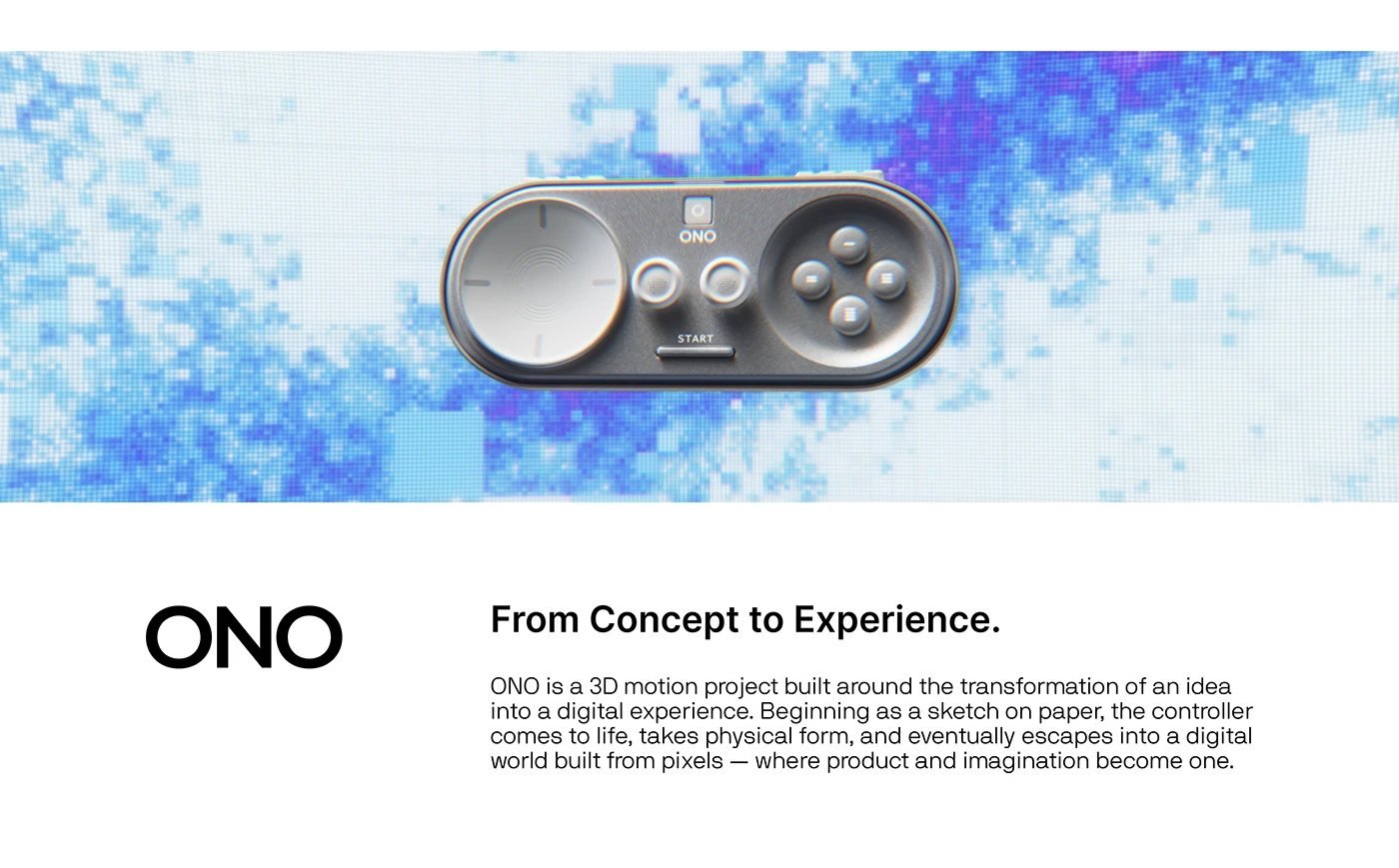
From Concept to Experience
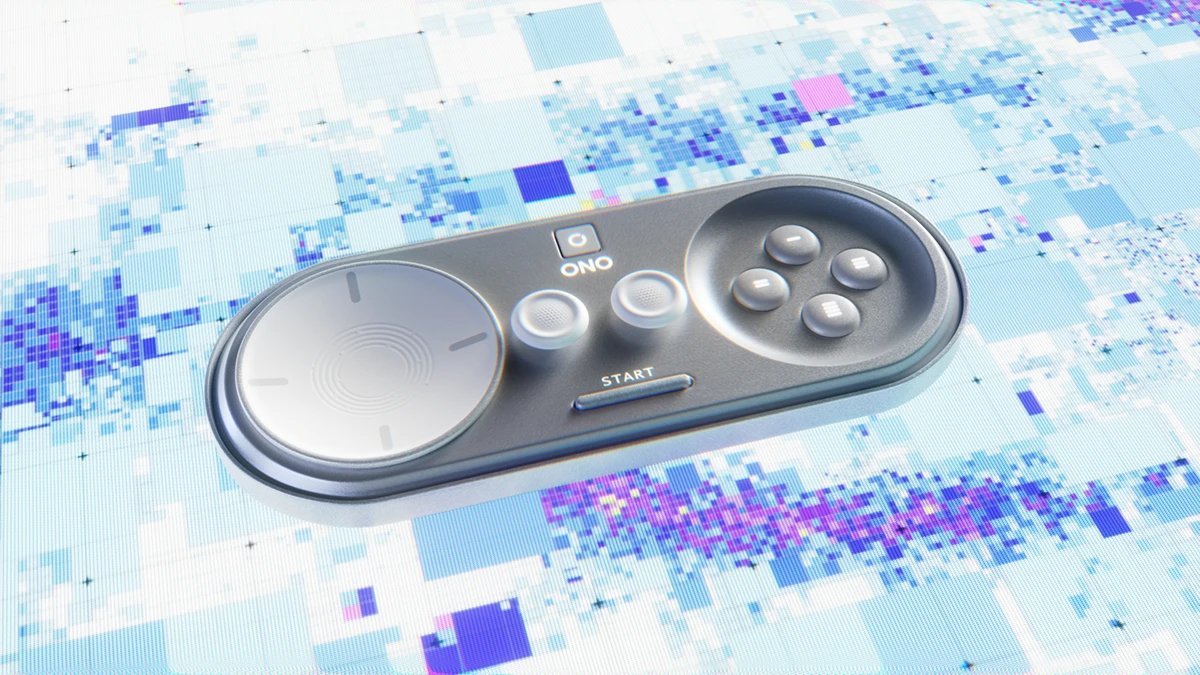
The hero frame: the finished controller floating over its pixel world — ONO, from concept to experience.
Film
The Product Film
The finished film for the ONO controller — thirteen seconds that begin on a desk full of sketches and end in a world made of pixels.
Storyboard
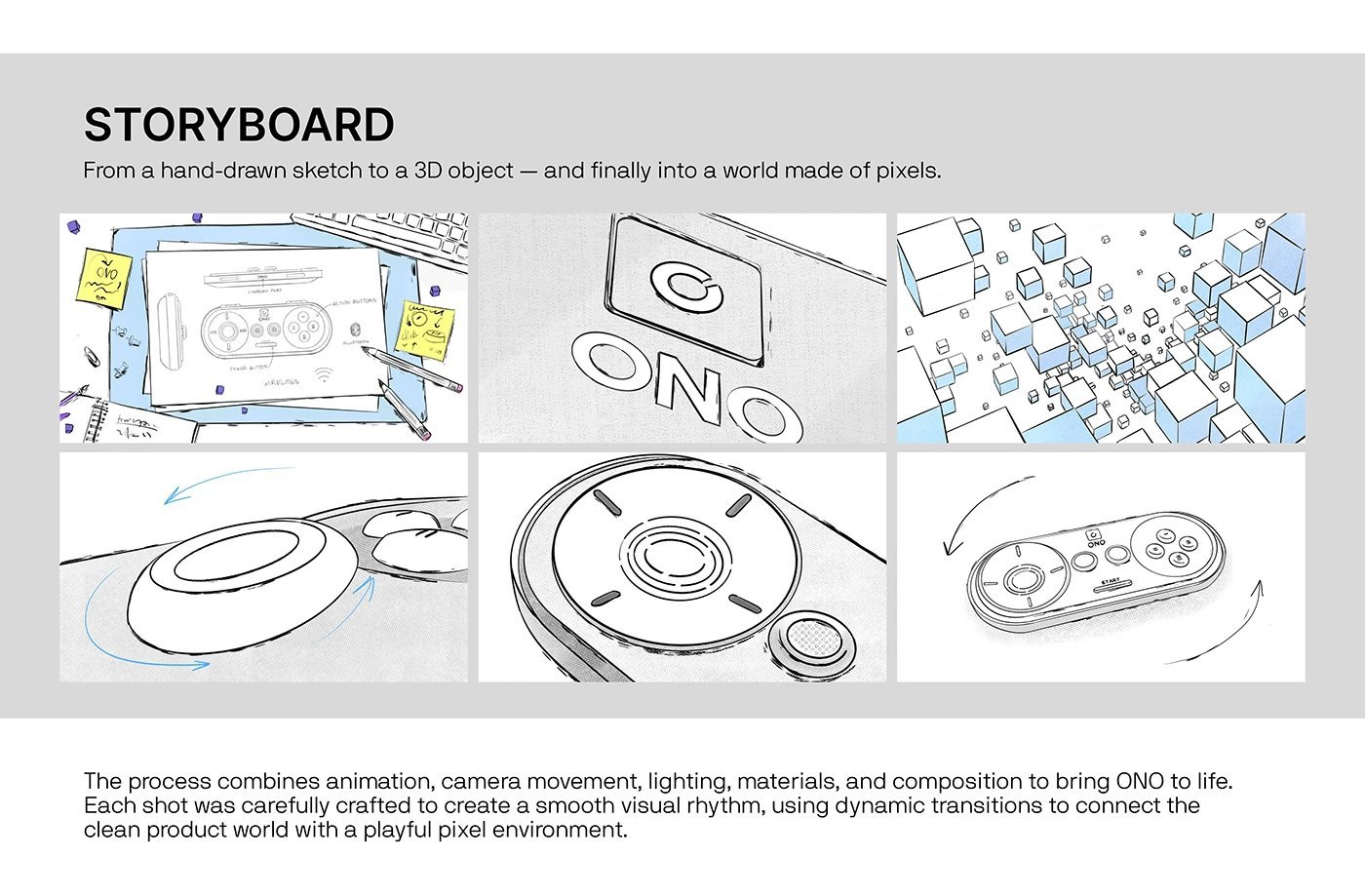
Sketch to Screen
The storyboard: from a hand-drawn sketch to a 3D object — and finally into a world made of pixels. Six frames that map every move the film makes.
Behind the Scenes
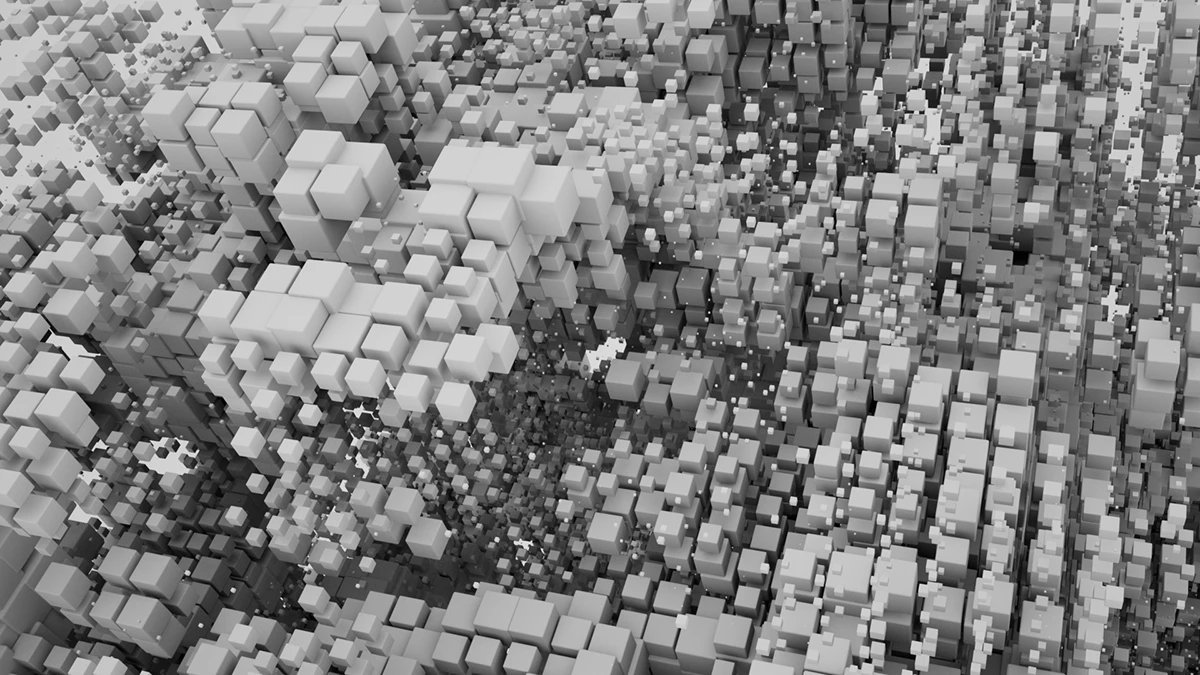
The Pixel World, in Clay
The pixel landscape in its grayscale preview form — thousands of cubes, shaped and lit before the colour goes on.
Behind the Scenes
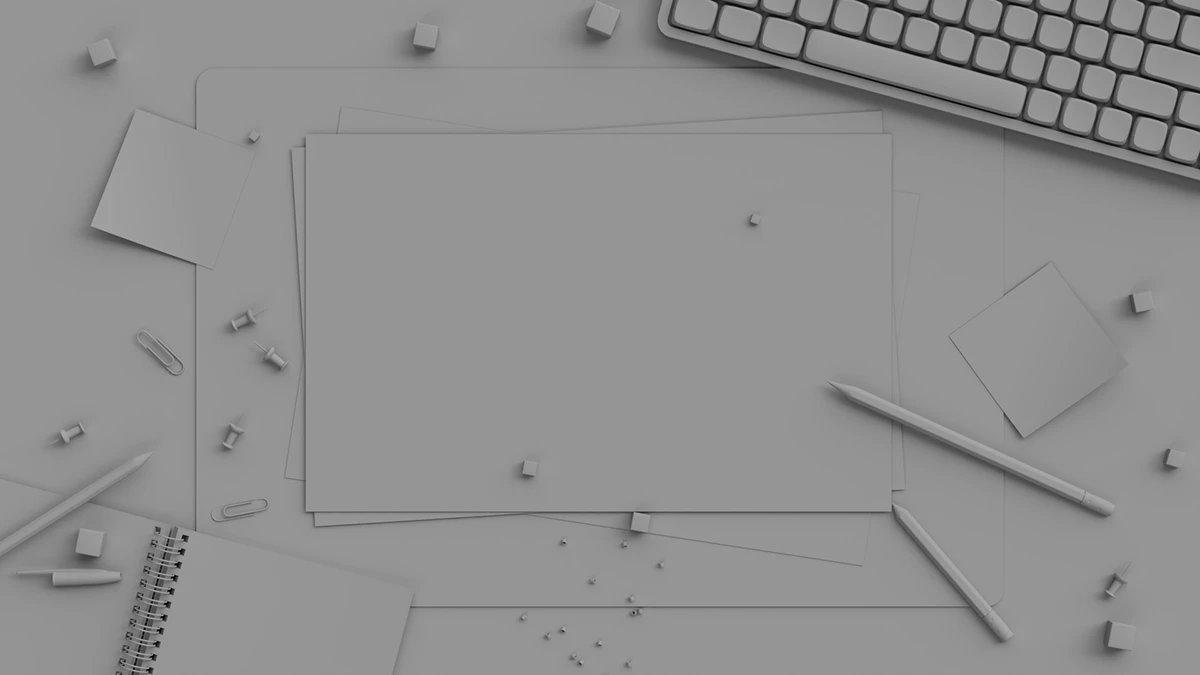
The Desk, in Clay
The opening desk scene as a clay render: blank paper, pencils and pins, waiting for the sketch that starts the film.
Sketch
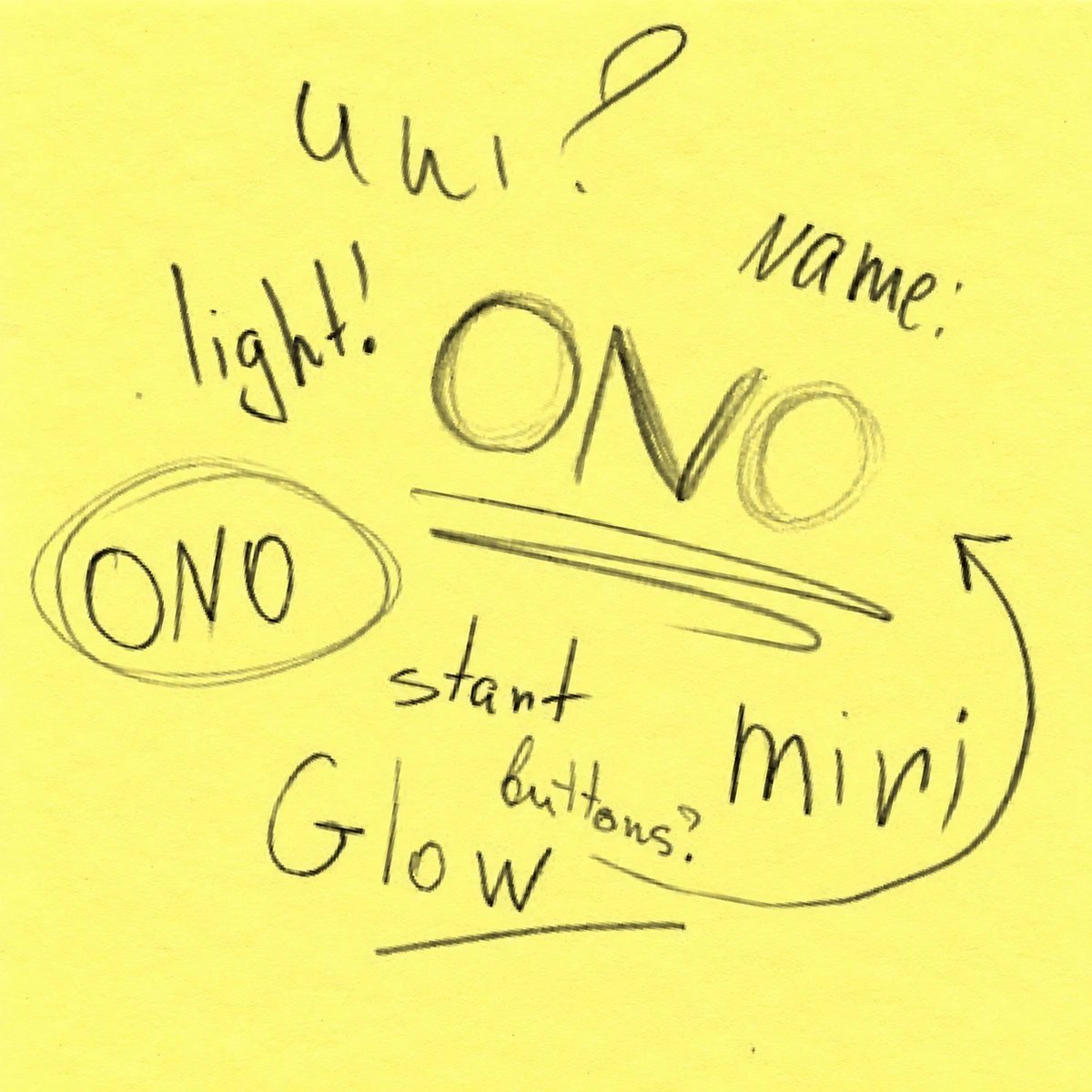
Naming the Controller
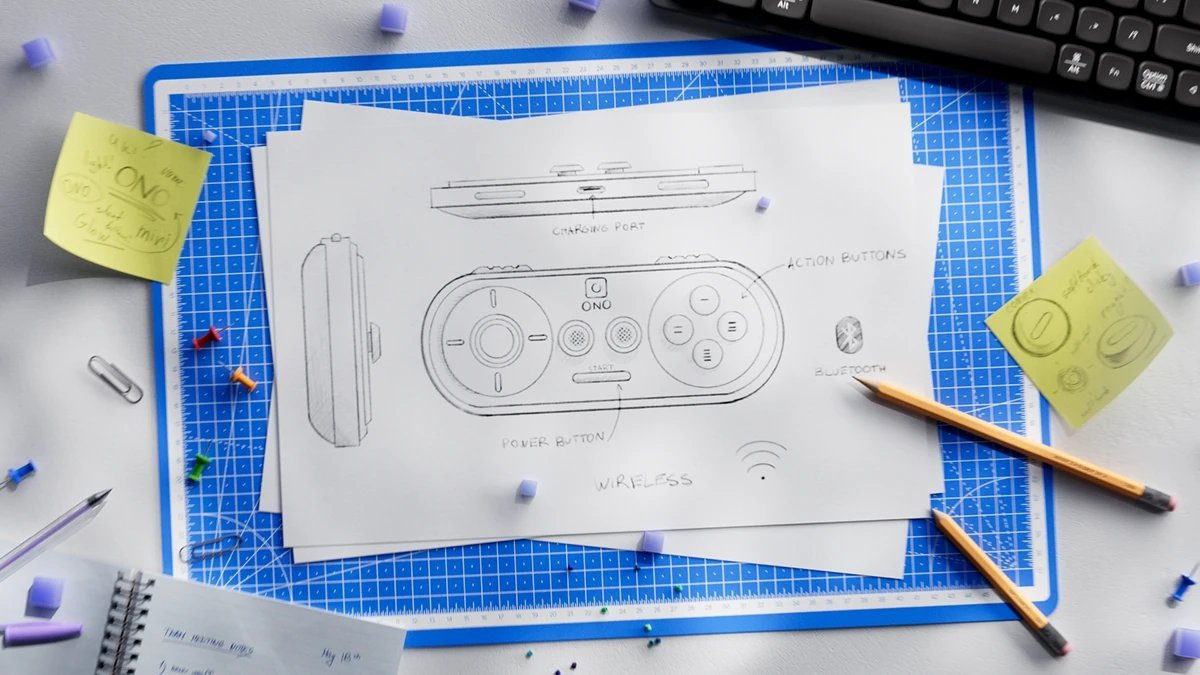
Sticky-note thinking: ONO, circled and underlined — light, mini, glow, with the start button front and centre.
Sketch
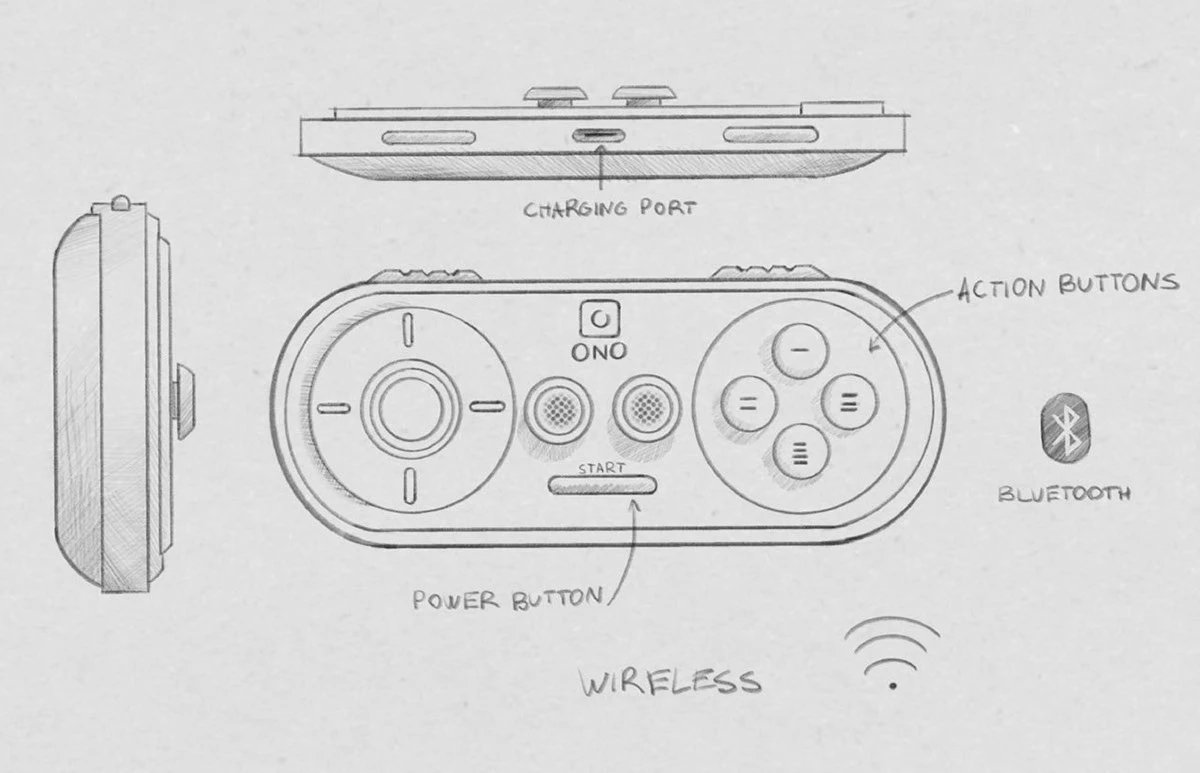
The Technical Drawing
The controller, specified in pencil: charging port, action buttons, power button — wireless, with Bluetooth.
Sketch
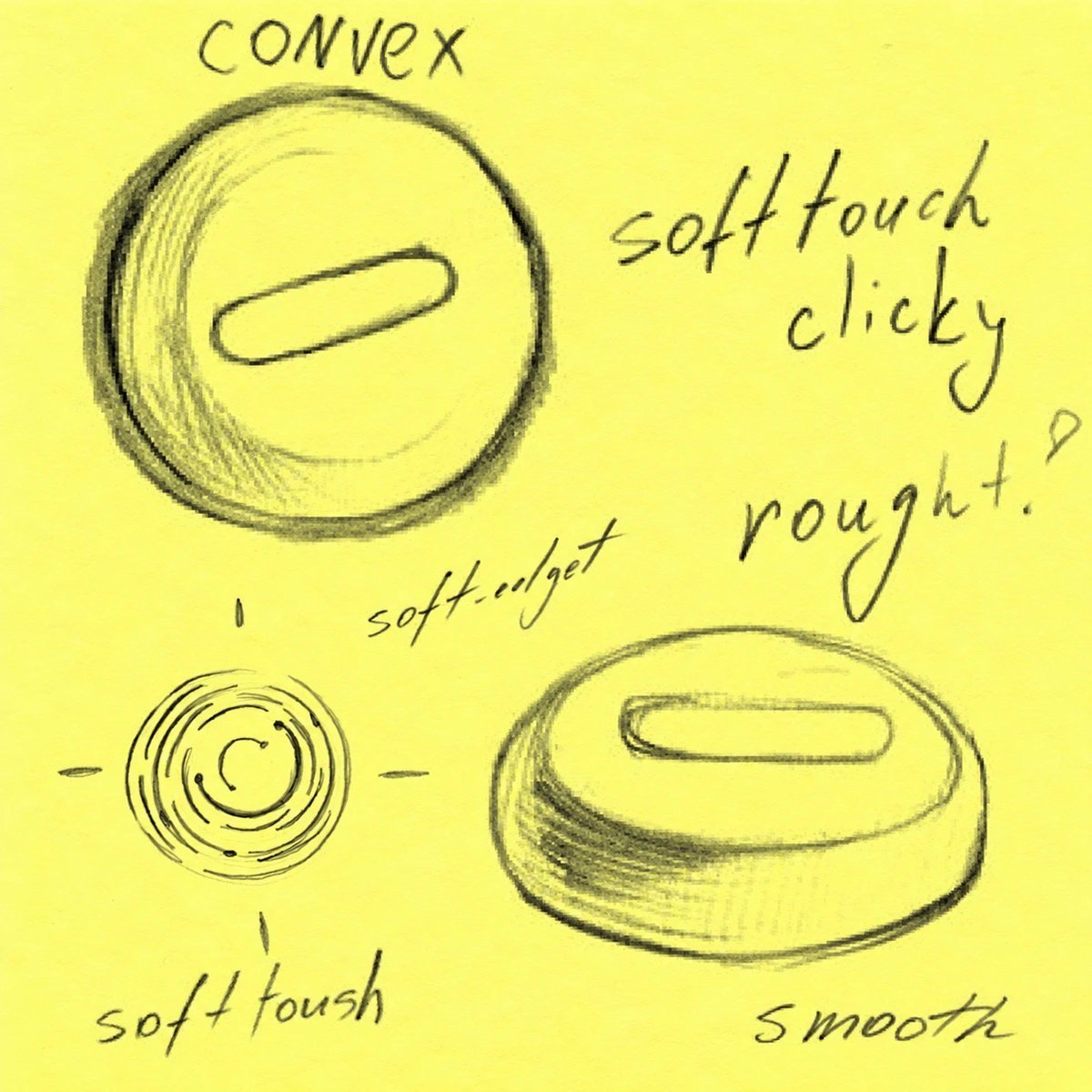
Button Studies
Convex, soft touch, clicky: the buttons worked out on a sticky note before a single frame was rendered.

The Idea
Behind the Scenes
In the project’s own words: early grayscale previews shaped each scene, and the hand-drawn sketches became the texture for the paper in the film’s first shot.
Film Still
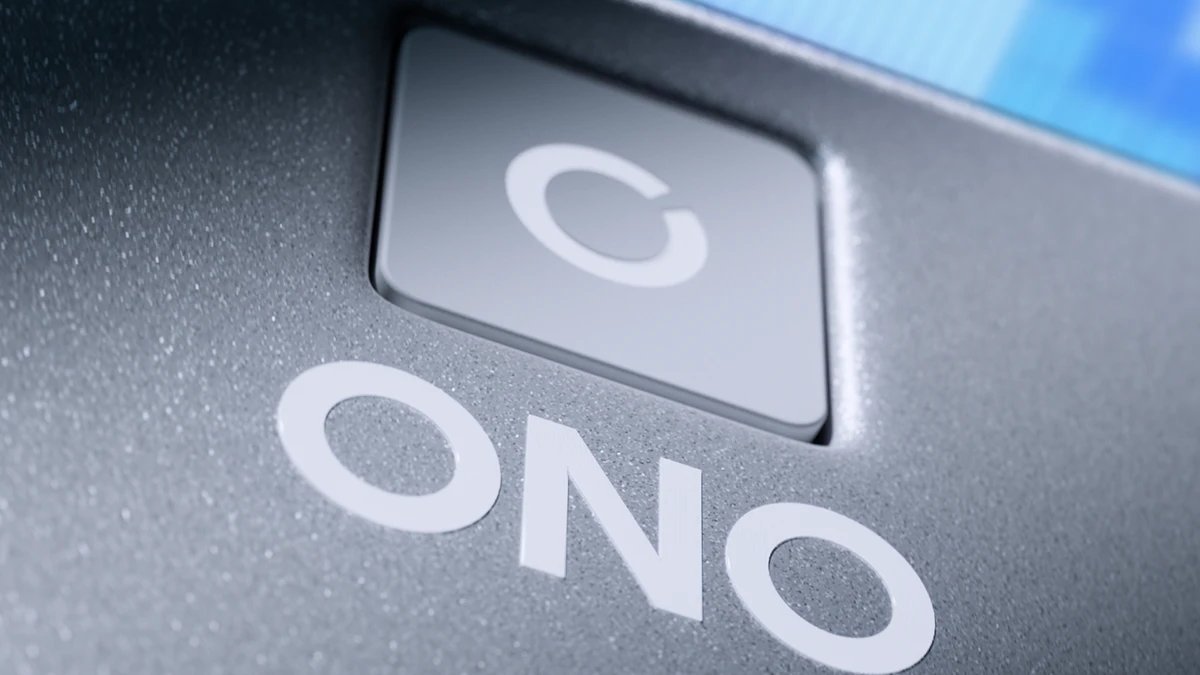
The Power Button, in Macro
A macro pass over the power key and the wordmark — the controller at its most tactile.
Animation
Into the Pixel World
A flight through the pixel landscape — the world the controller escapes into.
Behind the Scenes
The Sketch, on the Desk
The technical drawing where it began: on the cutting mat, sticky notes, pencils and all.
Animation
The Disc, Up Close
The soft-touch disc in motion — concentric rings and all.
Animation
Soft Touch
A convex button filling the frame — the click you can almost hear.
Animation
The Landing
The controller, spinning over a burst of purple pixels — the film’s final flourish.
Film Still
ONO, in Its World
The closing frame: the finished controller at rest in the pixel world it escaped into.
START YOUR MOTION PROJECT
From the first frame to the final loop — we've got you covered.